WooCommerce – Show only lowest prices in variable products by Fernando Tellado
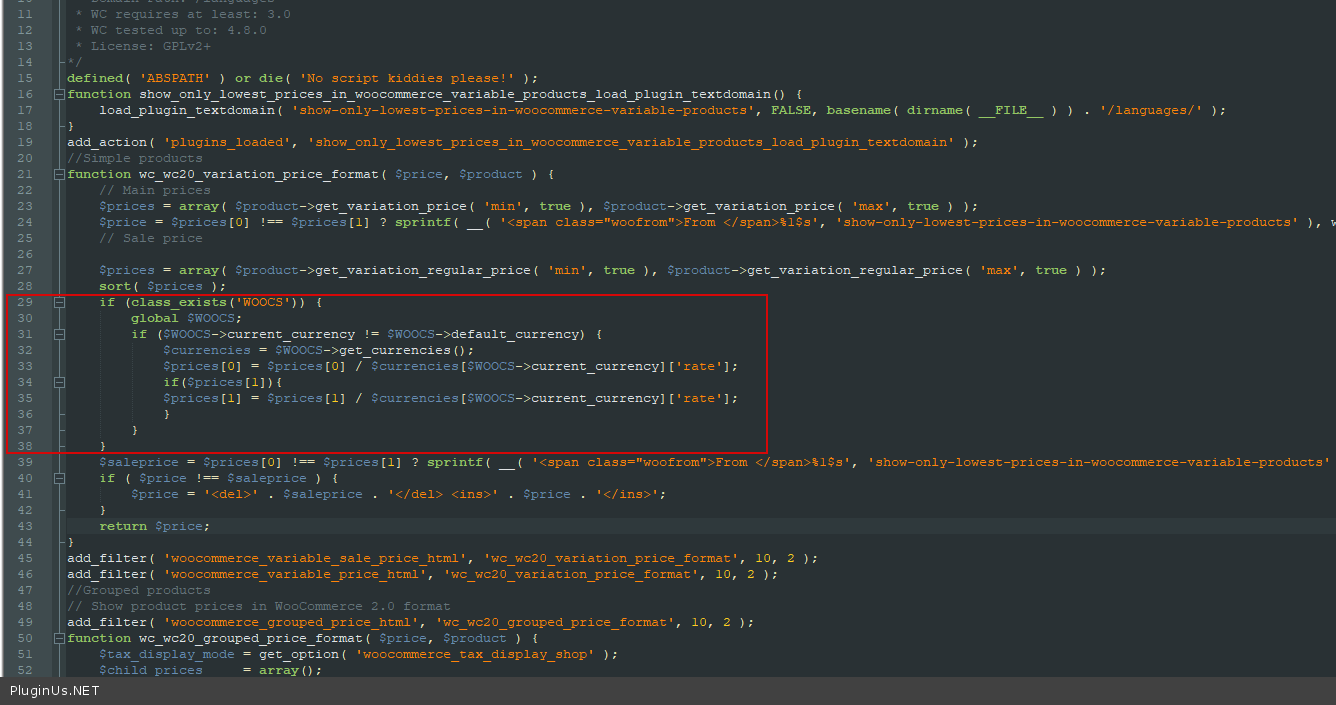
- In file wp-content\plugins\show-only-lowest-prices-in-woocommerce-variable-products\show-lowest-woo-variable-prices.php add next code:
if (class_exists('WOOCS')) {
    global $WOOCS;
    if ($WOOCS->current_currency != $WOOCS->default_currency) {
        $currencies = $WOOCS->get_currencies();
        $prices[0] = $prices[0] / $currencies[$WOOCS->current_currency]['rate'];
        if ($prices[1]) {
            $prices[1] = $prices[1] / $currencies[$WOOCS->current_currency]['rate'];
        }
    }
}
This edit is inside another plugin's file, so a plugin update will undo it. Write the change down, and re-apply it after every update of that plugin — or ask its authors to include the fix on their side, which is the only version that survives. If the change is inside FOX itself, tell us: a fix that has to be re-applied by hand is a bug on our side, not a solution.