Sometimes it happens because of: rates of the currencies has values with 4 digits after comma and recounting with PayPal for this makes rounding to wrong amount because its operates with 2 digits after comma. To avoid it you are need to set your rates with 2 digits after comma. The main trouble with it - you will have to manually set order to 'Processing' and that is all, no another troubles with it!
You can always set 'Is multiple allowed' to 'No', and your customers will be pay in your basic currency.
There is another radical way: adding some code into woocommerce plugin code
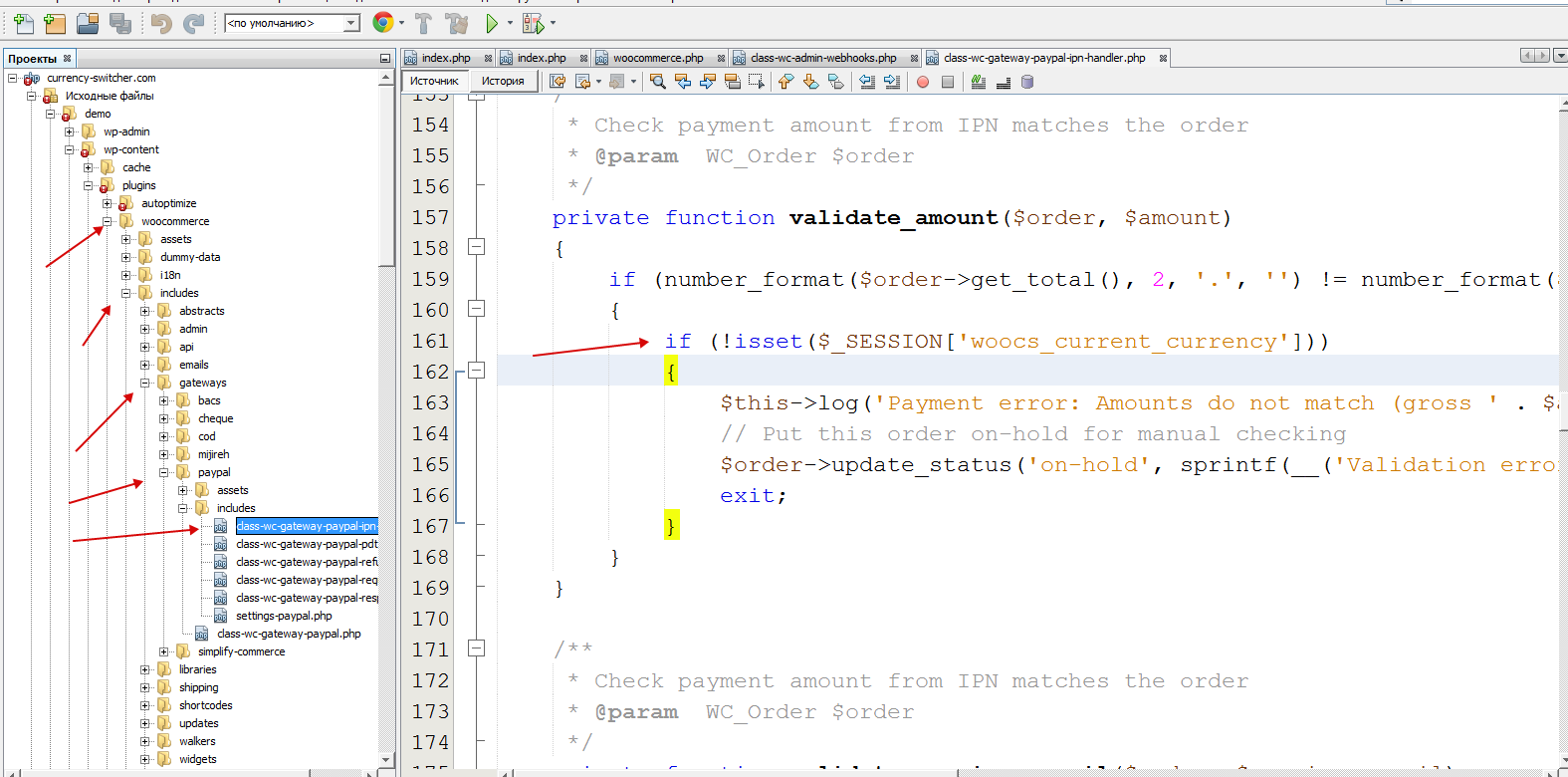
Open this file: wp-content\plugins\woocommerce\includes\gateways\paypal\includes\class-wc-gateway-paypal-ipn-handler.php
go to function: private function validate_amount($order, $amount)
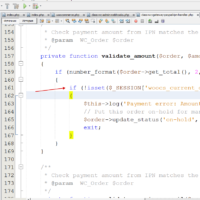
set condition if (!isset($_SESSION['woocs_current_currency'])) as on the screen:
🌸
Shortcodes, functions, actions and filters reference for FOX WooCommerce Currency Switcher
Codex — FOX Currency Switcher
We use cookies to ensure that we give you the best experience on our website. If you continue to use this site we will assume that you are happy with it.