WooCommerce Extra Product Options (by themecomplete)
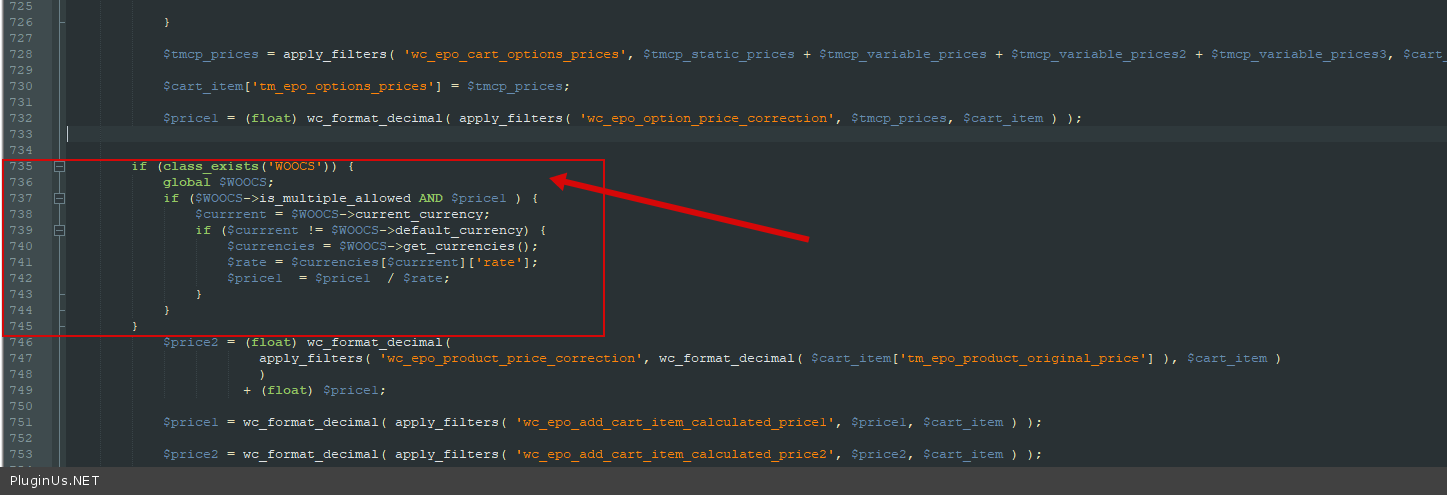
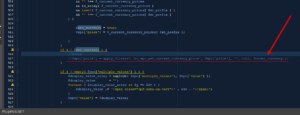
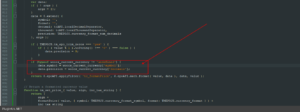
- Dans le fichier wp-content\plugins\woocommerce-tm-extra-product-options\include\classes\class-tm-epo-cart.php ajoutez le code suivant :
if (class_exists('WOOCS')) {
    global $WOOCS;
    if ($WOOCS->is_multiple_allowed AND $price1) {
        $currrent = $WOOCS->current_currency;
        if ($currrent != $WOOCS->default_currency) {
            $currencies = $WOOCS->get_currencies();
            $rate = $currencies[$currrent]['rate'];
            $price1 = $price1 / $rate;
        }
    }
}
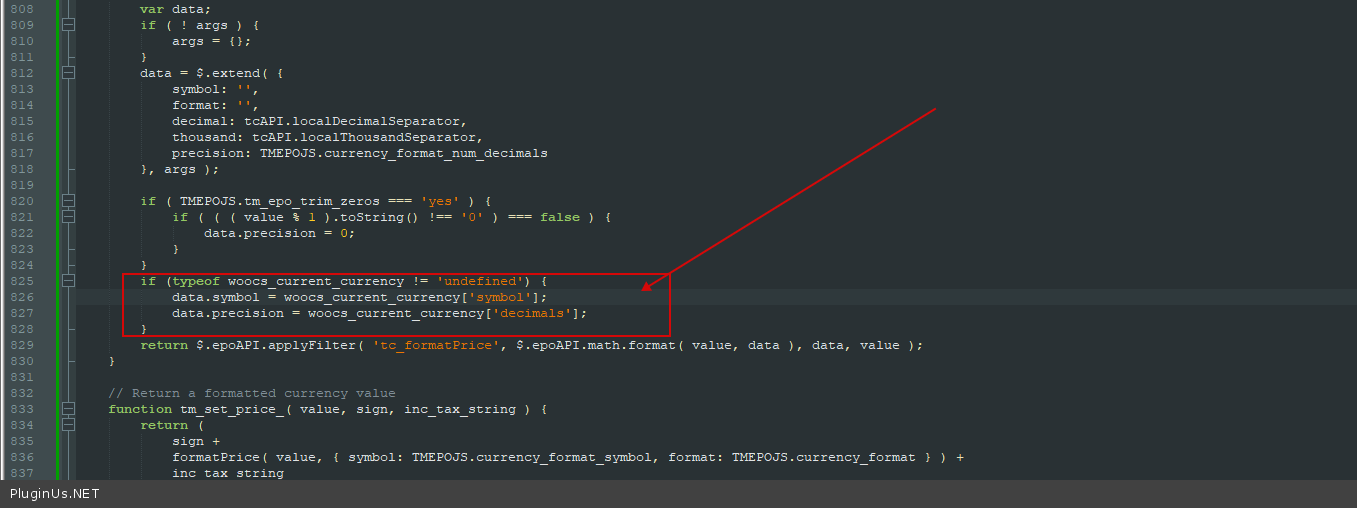
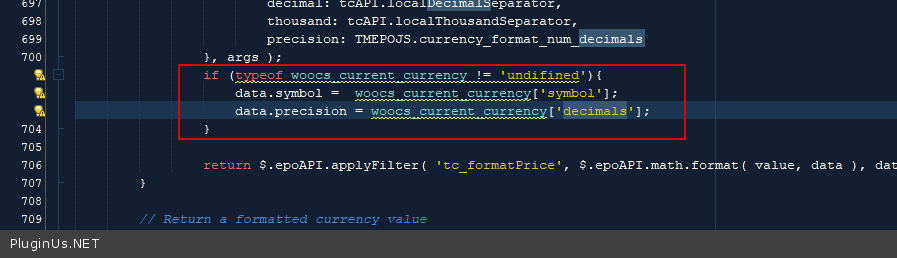
- Dans le fichier wp-content\plugins\woocommerce-tm-extra-product-options\assets\js\tm-epo.js ajoutez le code suivant :
if (typeof woocs_current_currency != 'undefined') {
    data.symbol = woocs_current_currency['symbol'];
    data.precision = woocs_current_currency['decimals'];
}
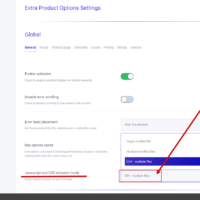
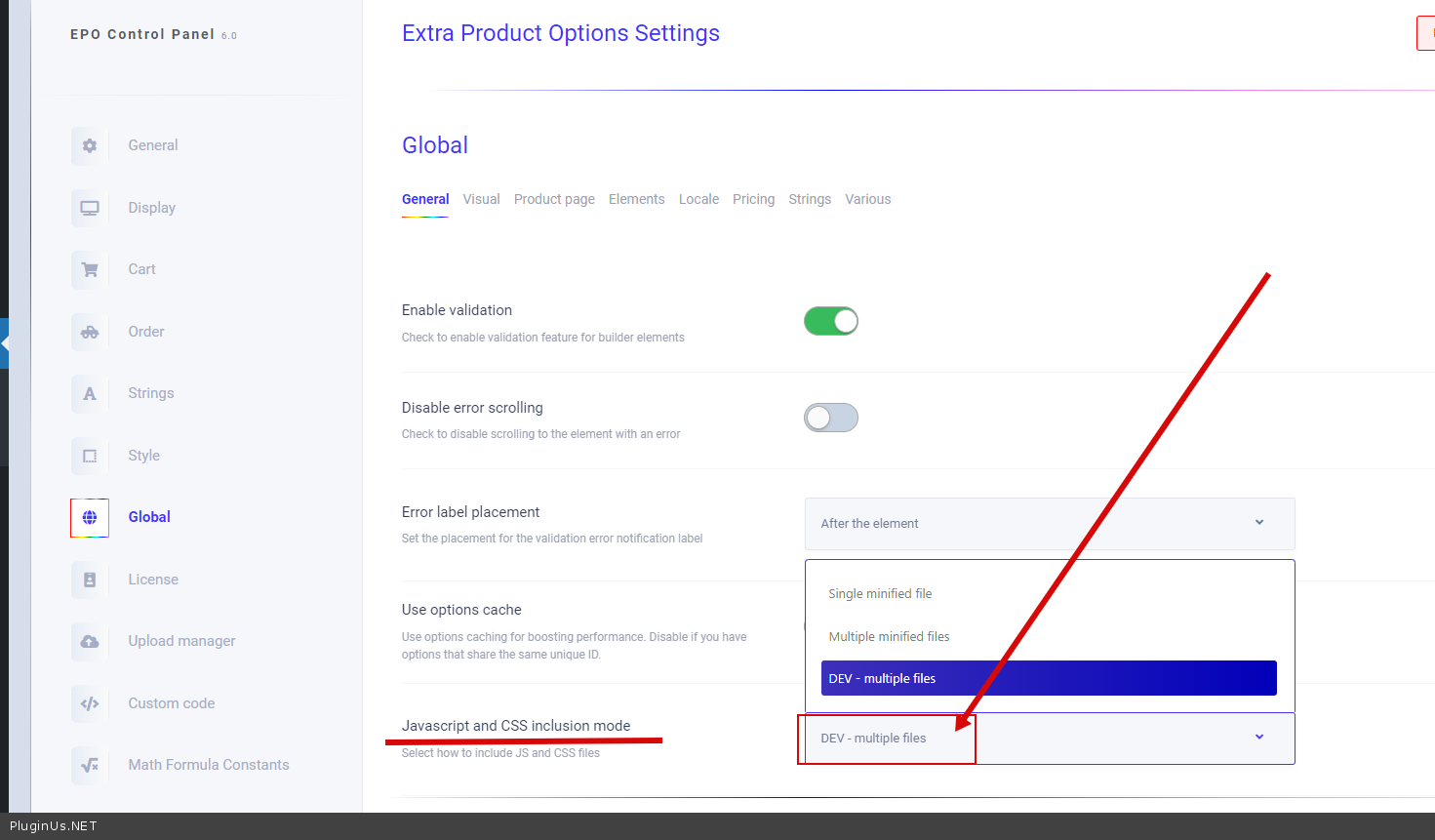
- Et vérifiez l'option dans ce plugin :
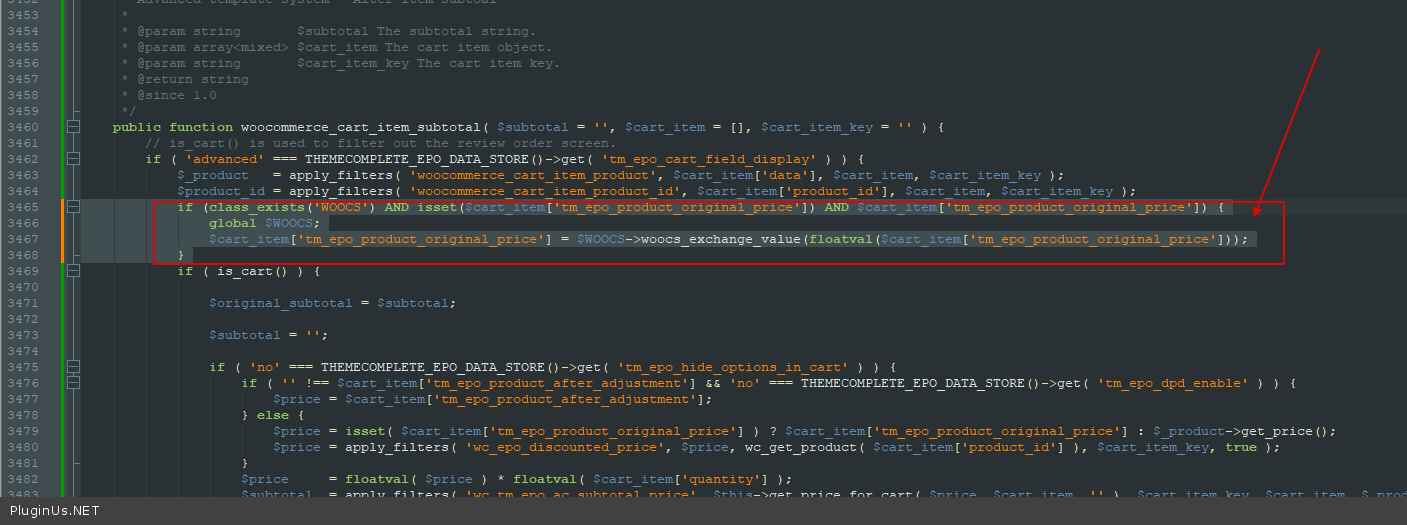
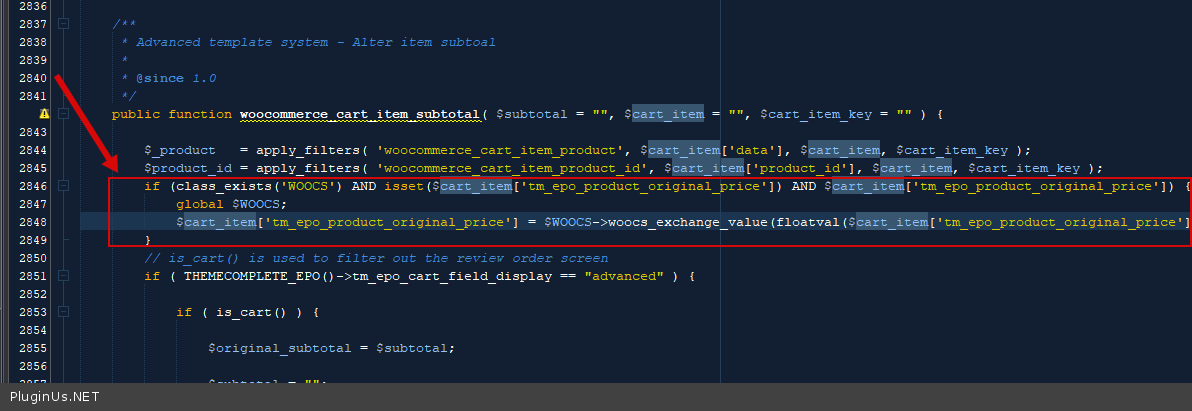
- Dans le fichier wp-content\plugins\woocommerce-tm-extra-product-options\include\classes\class-tm-epo-cart.php ajoutez le code suivant :
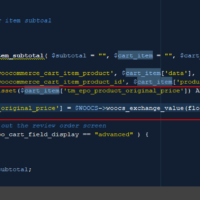
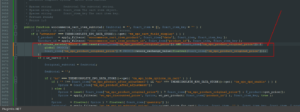
if (class_exists('WOOCS') AND isset($cart_item['tm_epo_product_original_price']) AND $cart_item['tm_epo_product_original_price']) {
    global $WOOCS;
    $cart_item['tm_epo_product_original_price'] = $WOOCS->woocs_exchange_value(floatval($cart_item['tm_epo_product_original_price']));
}
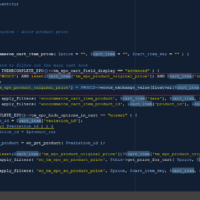
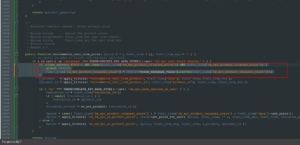
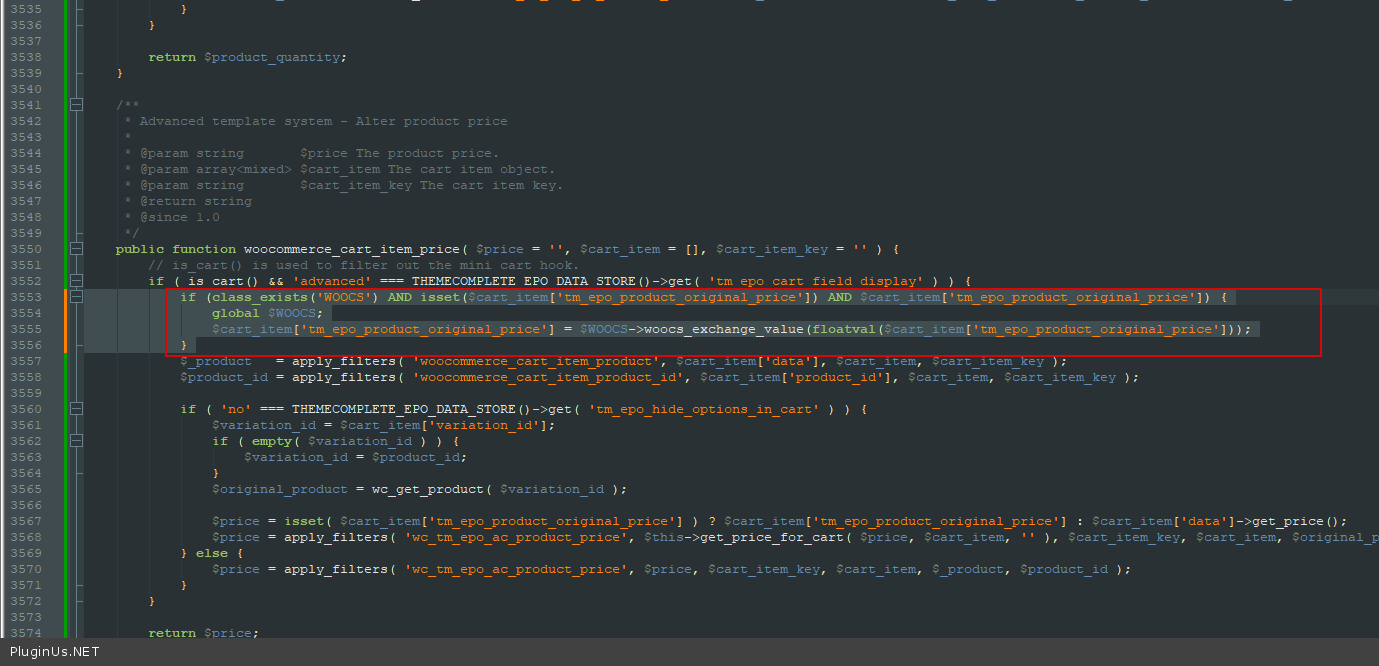
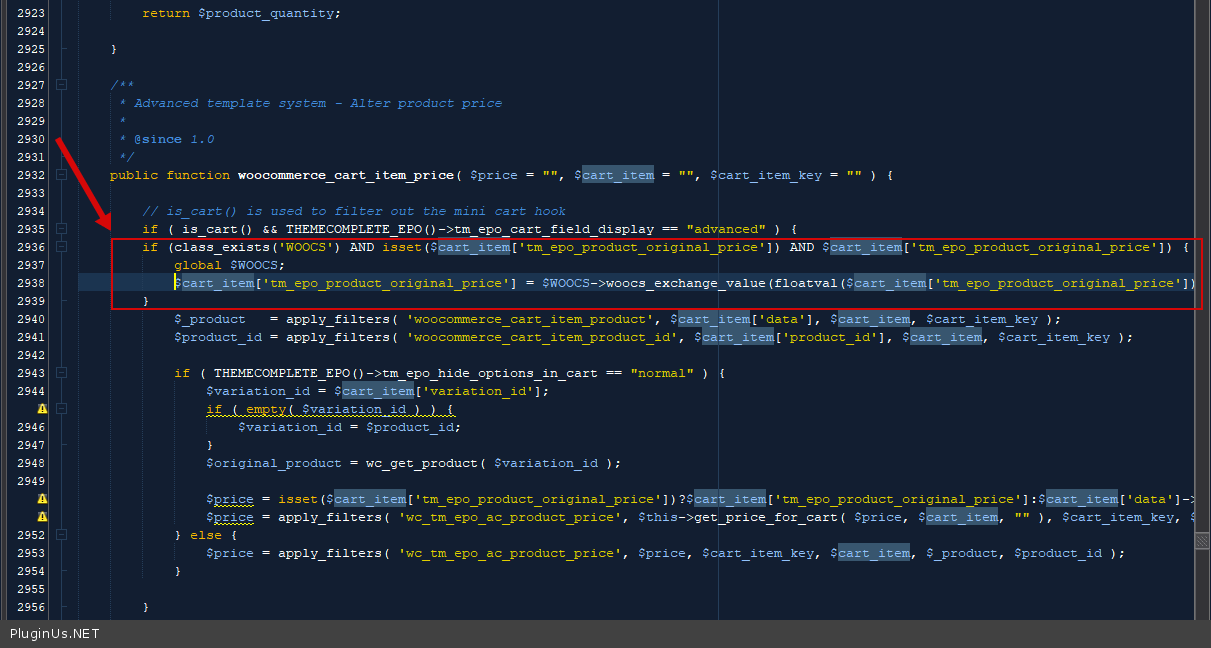
- Dans le même fichier, ajoutez le code suivant :
if (class_exists('WOOCS') AND isset($cart_item['tm_epo_product_original_price']) AND $cart_item['tm_epo_product_original_price']) {
    global $WOOCS;
    $cart_item['tm_epo_product_original_price'] = $WOOCS->woocs_exchange_value(floatval($cart_item['tm_epo_product_original_price']));
}
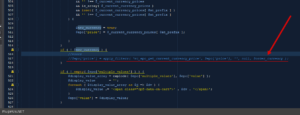
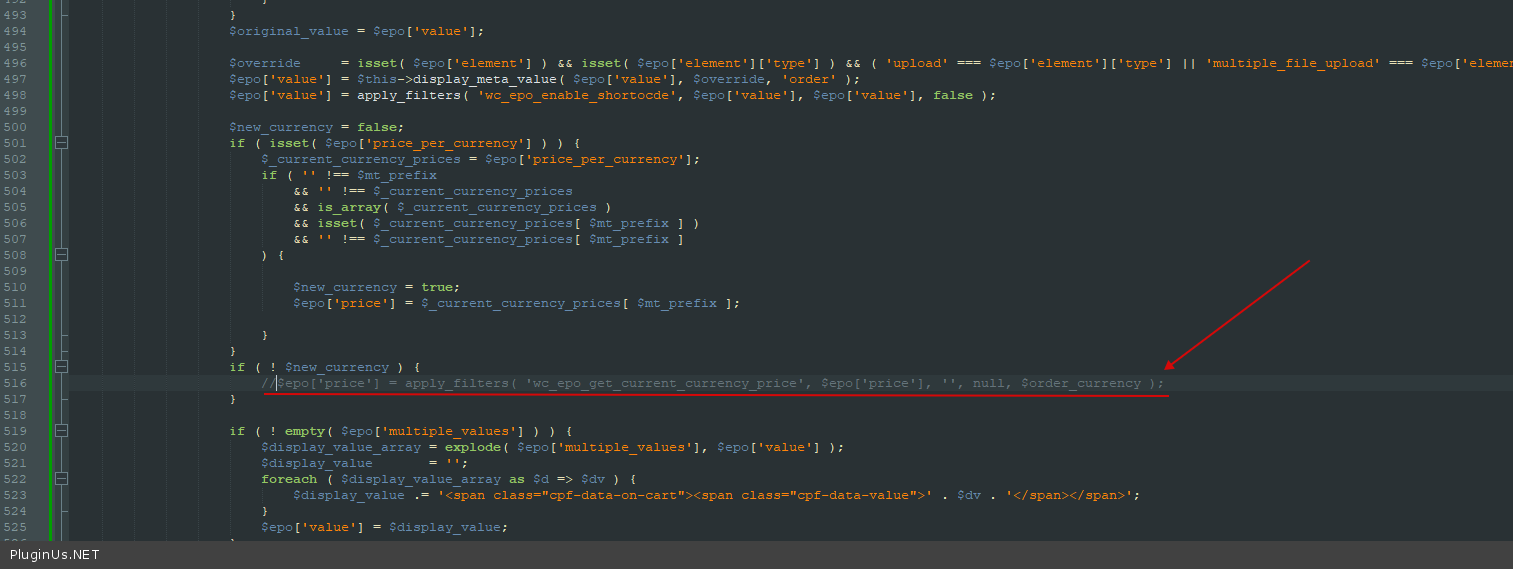
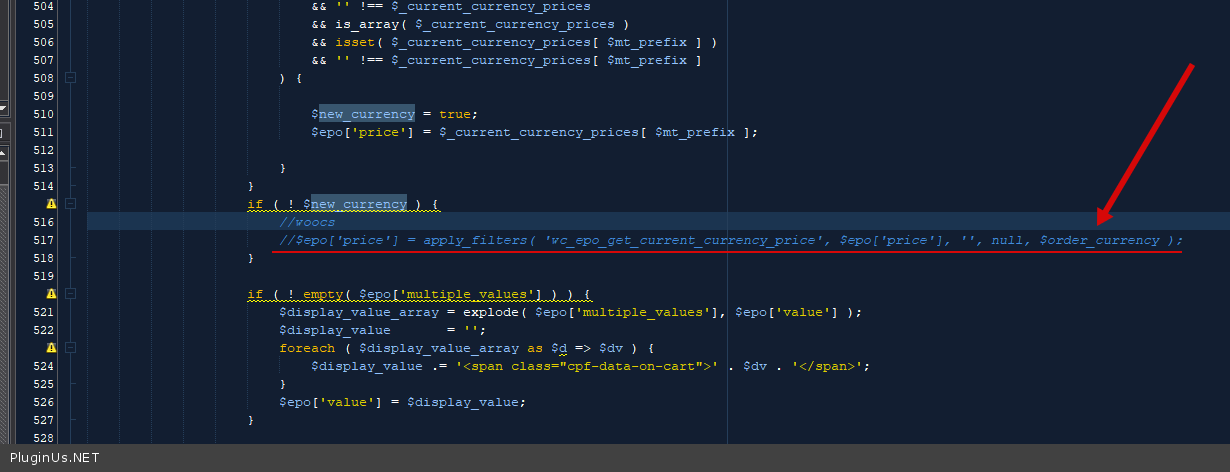
- Dans le fichier wp-content\plugins\woocommerce-tm-extra-product-options\includes\classes\class-themecomplete-epo-order.php commentez ce qui suit :
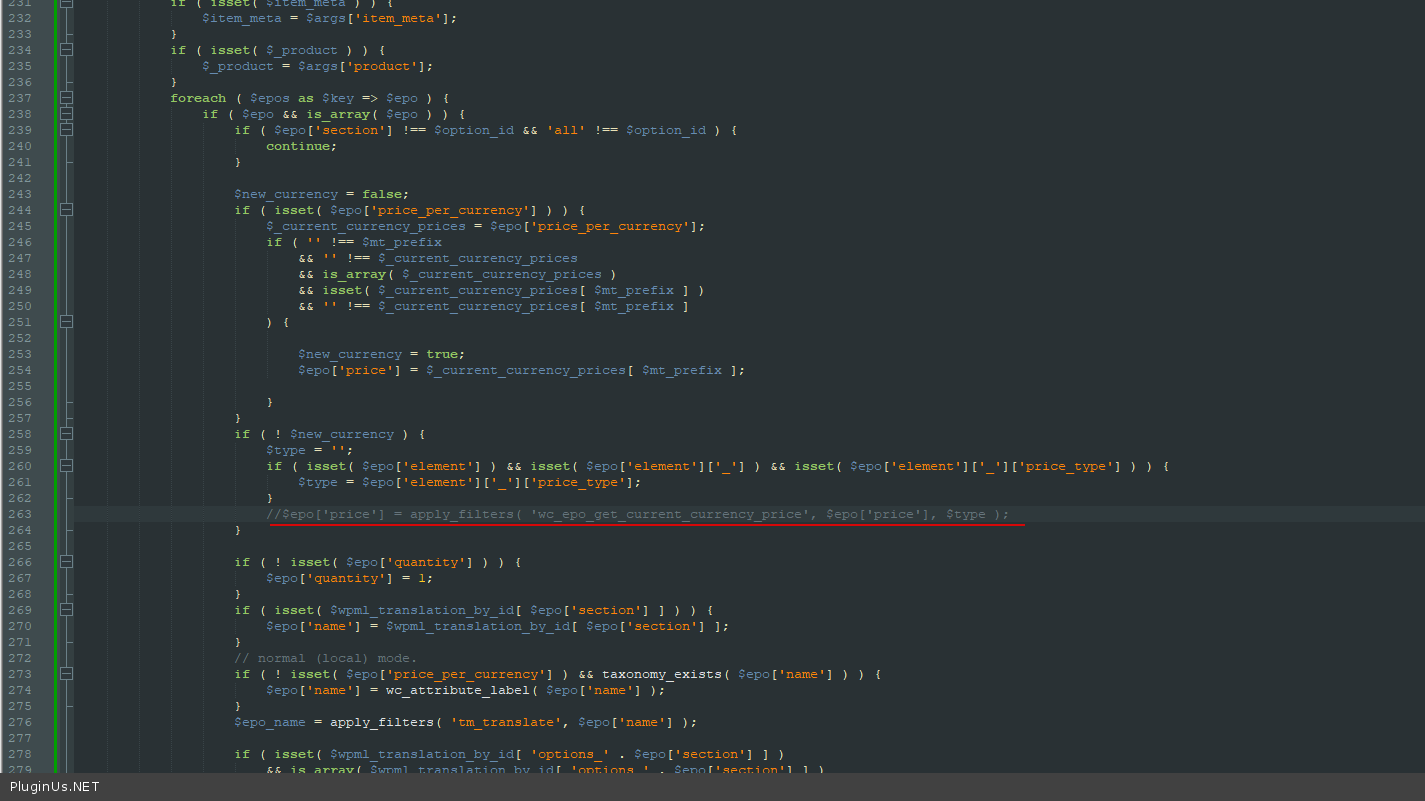
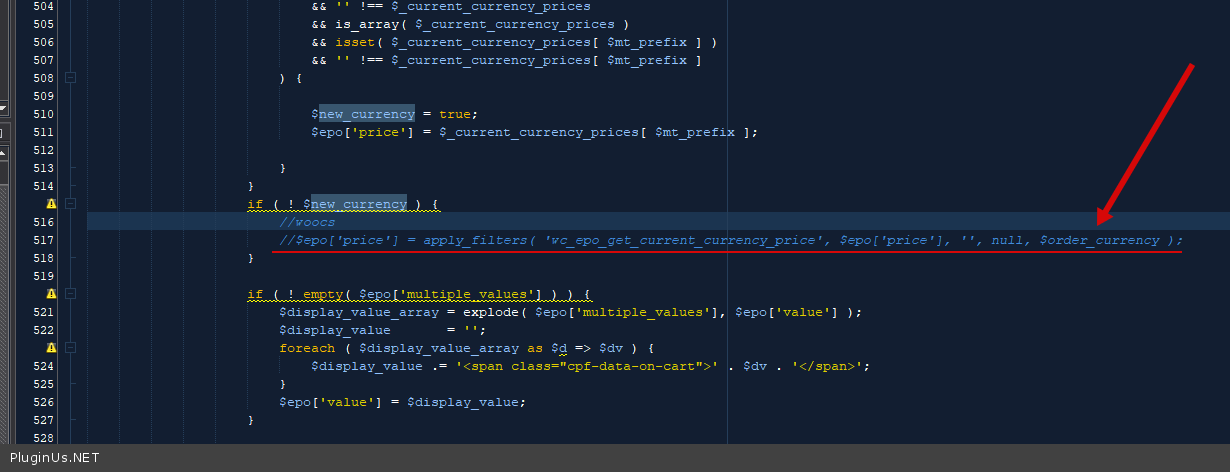
- Dans le fichier wp-content\plugins\woocommerce-tm-extra-product-options\admin\class-themecomplete-epo-admin-base.php commentez le code suivant :
Cette modification se trouve dans le fichier d'un autre plugin, donc une mise à jour du plugin l'annulera. Notez le changement et réappliquez-le après chaque mise à jour de ce plugin — ou demandez à ses auteurs d'inclure le correctif de leur côté, ce qui est la seule version qui perdure. Si le changement se trouve à l'intérieur de FOX lui-même, dites-le nous : un correctif qui doit être réappliqué manuellement est un bug de notre côté, pas une solution.